
Planning
Most of the Black Friday checklist is not for you
By PostSteer21 min
The three guides ranking above this one run to 25, 24 and 20 steps. Nobody with a store to run is doing 23 things before the 27th. This is the shorter list, in the order that pays.
A Shopify black friday checklist you can finish is worth more than a complete one you cannot. Black Friday is Friday 27 November 2026 and Cyber Monday is the 30th. If you are reading this in late October you have about five weeks, one person, and a shop to run in the meantime.
The three guides ranking above this one are good. They are also 25 steps, 24 tasks and 20 items long, and one of them opens its timeline in August. That is a plan for a team. Nobody running a store on their own is doing twenty-three things before the twenty-seventh.
So this is the shorter list, ordered by what pays back first. The offer, one landing page, three emails, the tracking, a promo video, and a handful of tests that stop the weekend going wrong. If you get through the first four you have done the work that matters.
What is still worth doing, and what to cut
Start by crossing things off. The exhaustive lists are written as if preparation began in early autumn, and most of what they ask for has a lead time you no longer have. Reordering stock from a supplier. Rebuilding the theme. Setting up a loyalty programme. All sensible. All out of reach in five weeks.
What is still in reach is everything that lives on your own site and in your own list. You can change the offer. You can build a page. You can write emails. You can check that the pixel fires. You can shoot a video on a phone. None of those depend on anybody else saying yes.
The ordering principle is simple. Work on the things that touch the most buyers per hour spent. The offer touches every buyer. The landing page touches everybody who clicks an ad or an email. The emails touch everybody who ever gave you an address. A checkout tweak touches the people who already decided to pay you, which is why it sits further down this list than it does on most.
There is a second reason to cut rather than attempt everything, and it is about the state you want to be in on the day. A store owner who spent five weeks half-finishing twenty tasks arrives at the weekend tired and unsure which parts work. One who did six things properly arrives knowing exactly what is live. The second person handles a problem at nine on Friday evening. The first person is the problem at nine on Friday evening.
One thing that is genuinely urgent and genuinely quick is the decision itself. Pick the offer this week. Every other task on this page depends on knowing what the offer is, and a sale that is still being decided in the third week of November is a sale with no promotion behind it.
The order to work in, if you only get part way down.
- The offer. One sentence, decided this week, not changed again.
- One landing page. Where every ad, email and post points.
- Three emails. Warm-up, launch, last chance.
- The tracking. Fire a test purchase and check it lands.
- One promo video. Fifteen to thirty seconds, shot on a phone.
- The tests. Checkout, mobile, the discount code, the confirmation email.
- Black Friday 2026
- Friday 27 November
- Cyber Monday 2026
- Monday 30 November
- Decide the offer by
- The first week of November
- Emails that earn their place
- Three
- Promo video length
- Fifteen to thirty seconds
Lock the offer before you build anything
One offer, in one sentence, that a stranger understands without doing arithmetic. Twenty per cent off everything. Buy two, get the third free. Forty dollars off orders over two hundred. Any of those work. A tiered structure with four bands and three exclusions does not, because nobody reads it.
Write it down and stop changing it. The reason is not discipline for its own sake. The offer is the one string that appears in the ad, the email subject line, the banner, the video caption and the terms at the bottom of the page. Change it on the tenth of November and you are rewriting six things, and you will miss one.
Check the margin before you commit rather than after. Shopify's own BFCM checklist is useful here and pushes people towards the data they already have, which is last year's sales by product. If you have a year of history, the discount belongs on the things that already sell, not on the things that do not.
Decide the dates at the same time, and make them longer than the weekend. Both Shopify and TinySEO argue for an extended run rather than a single day, and TinySEO points out that large retailers have been starting a week or more early for years. A sale that opens on the Monday before and closes on Cyber Monday gives you something to email about four times instead of once.
One more decision belongs in the same sitting, which is whether the offer applies to everything or to a collection. Everything is simpler to explain and harder on the margin. A collection protects the margin and costs you a sentence of explanation on every ad. Pick whichever you can say in one breath.
Then write the terms once, in plain words, and put them somewhere you can link to. What is excluded. Whether codes stack. When it ends, in your own time zone. Every argument you will have with a customer that weekend is an argument about something that was not written down.
One landing page beats a redesign
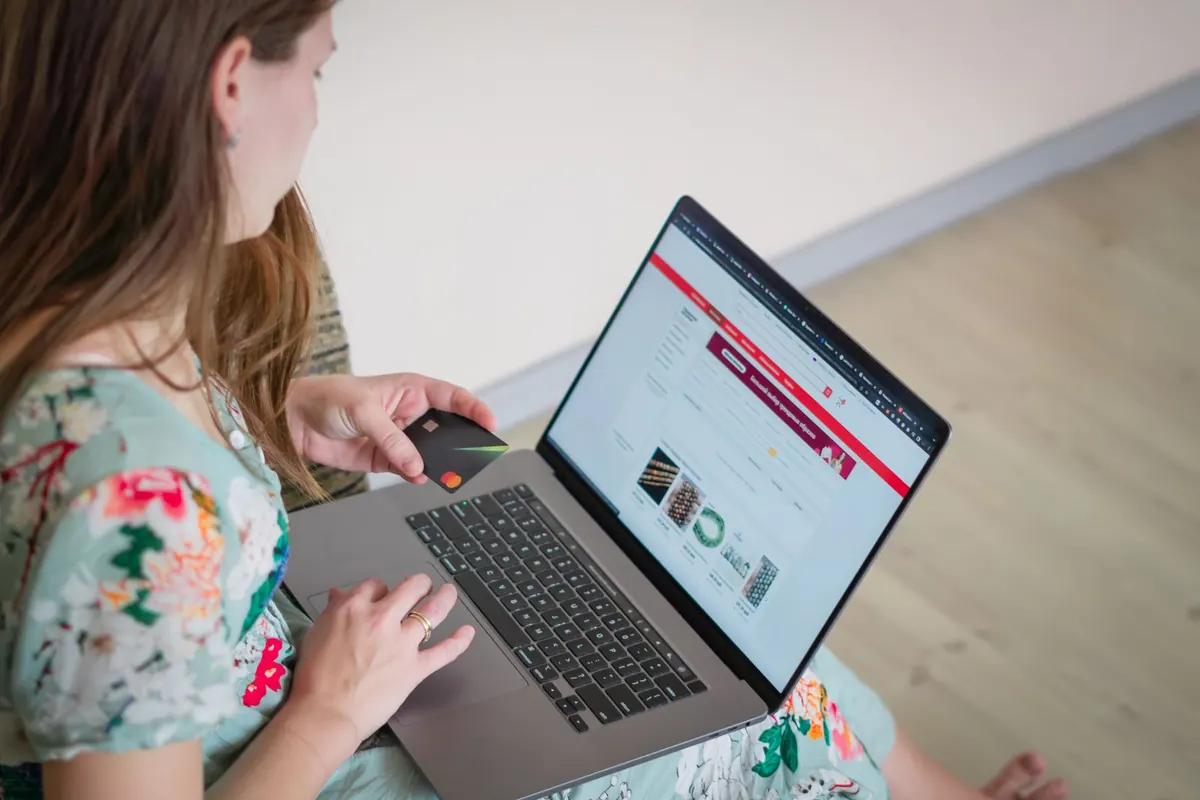
Build one page for the sale and point everything at it. Not a reskinned home page. A single URL that says what the offer is, shows the products it applies to, and has one button.
The reason is measurement as much as design. One page means one number. You can see how many people arrived, how many clicked through, and which channel sent them. A seasonal banner on a home page tells you nothing you can act on, because the home page gets traffic for twenty other reasons.
What belongs on it is short. The offer in the headline, in the same words as the email subject line. The dates, including when it ends. A row of the products in the sale, priced, with the old price struck through. One button, repeated down the page as the page gets longer. The terms, linked rather than printed.
Put the page where you can find it under pressure. A clean address you can read out over the phone beats one with a long string of numbers in it, and you will be pasting it into messages all weekend.
What does not belong on it is most of what people add. A countdown timer is fine and is not the thing that sells. A pop-up over the top of a page somebody arrived at from an email about the offer is asking them to join a list they are already on. Keep the navigation, because people do want to look at the rest of the shop, and lose the rest.
Build it now and leave it unlisted until launch. The worst version of this job is building the page on the twenty-sixth, finding that something in the theme breaks on a phone, and fixing it live while the traffic arrives. A page that has existed for three weeks has been looked at on a real phone at least once.
If building it is the part you will not get to, that is the one piece here worth handing over. A landing page is $399 once, designed and built, and it is the asset every other task on this list points at.
The three emails that do the work
Your list is the only audience you own, and it is the cheapest traffic you will get that weekend. Three emails is the whole programme for most small stores.
The warm-up goes a week out and does not sell anything. It says the sale is coming, says roughly what it will be, and gives the date. Its job is to stop the launch email being the first time somebody hears from you in four months, which is the thing that gets mail filed as promotional and never opened again.
The launch email goes the moment the page is live. Subject line is the offer, not a joke about turkey. First line repeats the offer. Button goes to the landing page. If you only send one email, send this one, and send it in the morning.
Send all three from a name a human recognises. The shop name in the sender field, not a no-reply address with a hyphen in it. People decide whether to open on the sender far more than on the subject line, and an address nobody recognises is an address nobody opens in a week when the inbox is full of them.
The last chance goes on the final day, usually Cyber Monday, and it works better than people expect. The same list that ignored the launch opens this one, because the deadline is now real. Keep it to four sentences and one button.
Two automated flows are worth switching on if they are not already. Abandoned checkout, which Shopify can send for you, and a post-purchase thank you a few days later. Shopify's checklist asks for both and it is right. The abandoned checkout email in particular earns its keep every week of the year, not just in November.
Suppress the people who already bought. Skailama's checklist makes this point well, and it is the detail most small senders miss. A last-chance email to somebody who ordered on Friday reads as a shop that is not paying attention.
If writing and building four emails in five weeks is not going to happen alongside the rest of it, email marketing is $289 a month and the flows stay switched on after the sale.
The whole sequence, with when each one goes.
- Warm-up. About a week out. Tells them it is coming, sells nothing.
- Launch. The morning the page goes live. The offer in the subject line.
- Last chance. The final day. Four sentences and one button.
- Abandoned checkout. Running already, all year, not just now.
Check the tracking before you buy any traffic
Half an hour, and it is the half hour that most often gets skipped. Put a product in the basket, pay for it with a real card, refund yourself, and watch where the event lands.
What you are checking is that a purchase registers in each place you will later read a number from. Shopify's own analytics. The ad platform, if you are running ads. Whatever analytics tool you use. If the purchase shows up in one and not another, you will spend the Monday after Black Friday arguing with yourself about which number is true.
Do the same thing for the discount code. Codes fail in ways that are invisible until somebody tries, usually because of a date set in the wrong time zone or a minimum spend nobody remembers adding. Type it in by hand on a phone, because the code that works when pasted sometimes fails when typed with a trailing space.
The pixel matters most if you intend to retarget, which all three of the guides recommend and which is genuinely effective in a short window. Retargeting works on an audience the pixel collected before the sale, so a pixel installed on the twenty-sixth has nobody to show ads to. If it is not on the site yet, today is late but not too late.
Check the consent banner as part of this, not separately. A cookie banner that blocks the pixel until somebody clicks accept is doing its job, and it also means your audience is smaller than your traffic. Knowing that in advance is the difference between a forecast and a surprise.
One more thing to look at while you are in there, which is whether the emails you are about to send carry tracking at all. A launch email with no campaign tag on its links arrives in your analytics as direct traffic, indistinguishable from somebody typing the address. You will then conclude that email did nothing, and you will be wrong.
Then write down, on paper, which tool is the source of truth for which number. Orders and revenue come from Shopify. Spend and delivery come from the ad platform. Skailama's guide puts this well and it takes two minutes to decide, which is two minutes you will not have in the middle of the weekend.
The promo video nobody tells you to make
Here is the hole in all three of the guides above this one. Shopify's twenty-five steps contain no short-form video. TinySEO's twenty-four tasks do not mention video at all. Skailama says to add product videos where they help and gives no length, no shape and no brief.
That is strange, because vertical video is the only asset on this list that works unpaid. A landing page needs traffic sent to it. An email needs a list. A fifteen second clip posted to Reels, TikTok and Shorts reaches people who have never heard of you, and it costs an hour and a phone.
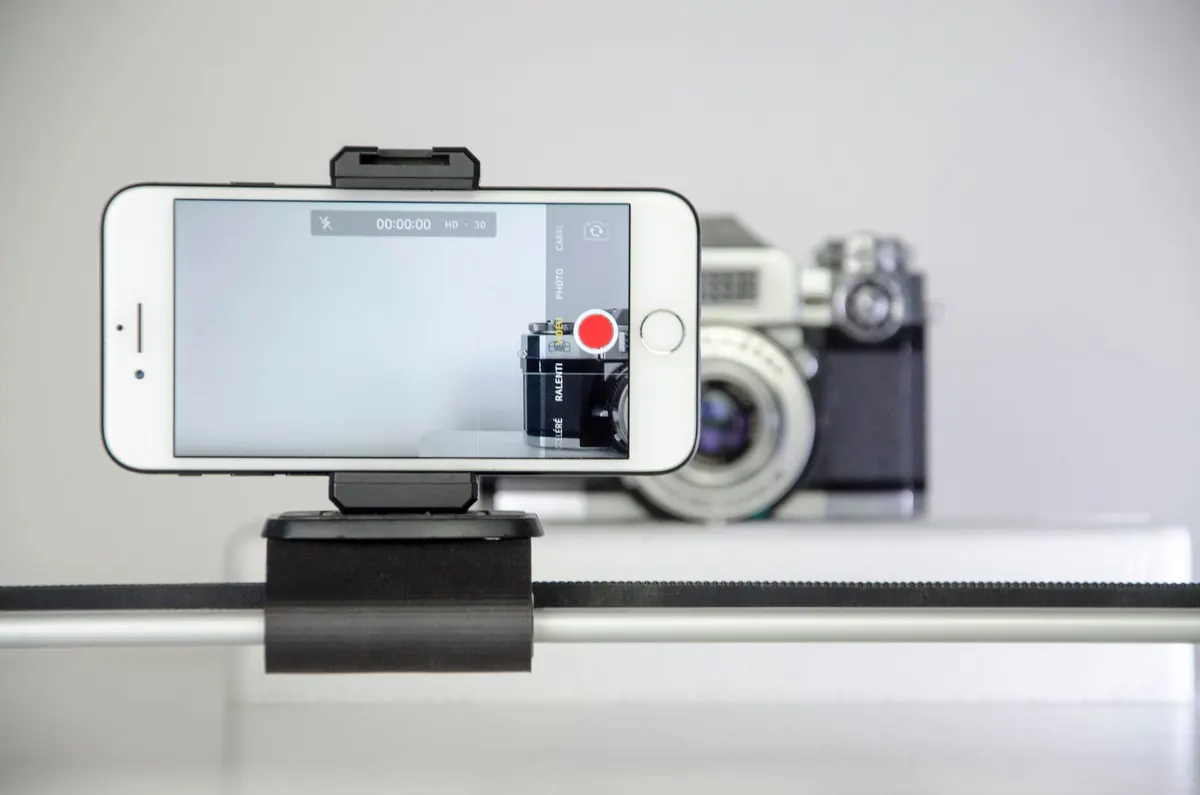
The shape is fixed and short. Open on the product, not on your face and not on a logo. Say the offer out loud in the first two seconds. Show the thing working, being worn, being unwrapped. End on the dates and the name of the shop. Fifteen to thirty seconds, vertical, captioned, because most of this is watched with the sound off.
Shoot it where the product already is. A shop counter, a kitchen table, a window with daylight coming through it. Studio lighting is not what makes these work and the absence of it is not what holds them back. What holds them back is a video that takes six seconds to say what it is about.
Make three, not one, and make them in the same hour. One that leads with the product. One that leads with the price. One that is somebody saying why they like the thing. Posting the same clip four times is how an account gets ignored, and shooting three in one sitting costs barely more than shooting one.
Then reuse them everywhere, as native uploads rather than reposts. The same clip is a Reel, a Short, a TikTok, the hero of the landing page and the thing inside the launch email. We have written about why a repost with a watermark costs you reach, and the short version is that the platforms can tell.
Post them on a schedule rather than all at once. Two in the warm-up week, two across the sale weekend, with the one that performed best boosted if you are spending anything at all. Four rows in a spreadsheet is enough of a calendar for this.
If the filming is the part that never happens, that is what short-form video is for, at $129 a month for five, filmed, cut, captioned and published.

The boring tests that save the weekend
Do these in the week before, not on the day, and do them on an actual phone rather than a narrow browser window.
Buy something. All the way through, as a guest, on a phone, with the discount code typed in by hand. Then do it again with a product that is out of stock and see what happens. Then check that the confirmation email arrived and that it says the right thing. That sequence catches most of what goes wrong.
Check it on a phone that is not yours if you can. Your own phone has your own cookies, your own logged-in session and quite possibly a cached version of the page from the last time you edited it. A borrowed phone on mobile data is the closest thing to a real customer you can get without asking one.
Look at what the sale page weighs. Shopify's checklist spends a lot of its length on speed and mobile and is right to, because this is the one technical thing that is both cheap to fix and visible to everybody. A hero image exported at full resolution is the usual culprit.
Write the shipping cut-off down and put it on the page. The last date you can post and have something arrive before a given day is a question you will be asked forty times. Answering it once, in writing, saves the whole weekend's worth of messages.
Decide in advance what happens when something sells out, because something will. Hide it, or mark it sold out and leave it up, or swap in an alternative. Any of those is fine. Deciding at nine on Friday evening is not.
Tell whoever answers the messages what the offer is and where the terms live. If that person is you, put the terms link somewhere you can copy in one tap.
The test run, start to finish, on a phone.
- Add to basket, check out as a guest, pay with a real card.
- Type the discount code by hand rather than pasting it.
- Try to buy something that is out of stock.
- Confirm the order email arrives and reads correctly.
- Refund yourself and check the refund lands.
After the weekend
Take the page down or turn it into something. An expired sale page that still ranks and still says forty per cent off is a promise you are no longer keeping, and people do find them in December.
Write down four numbers on the Monday while it is fresh. Revenue over the weekend. Number of orders. How many were new customers. Which channel sent the most. Those four tell you more than a dashboard full of charts, and they are the ones you will want next October when you are deciding whether to do it again.
Ask the people who bought how they found you. Not a survey. One line in the confirmation email or a question in the thank you a week later. It is the only measurement on this list that survives a tracking change, a blocked pixel or a consent banner, and it is the one most stores never collect.
Then send the thank you. Three to five days after the sale closes, to everybody who bought, saying what is on the way and when. It costs nothing and it is the difference between a seasonal buyer and a customer.
Note the two things that broke, while you still remember them. Something always breaks. A code that did not work on one product, a shipping option that let somebody pick next-day on the Sunday, a photograph that looked wrong on a phone. Write those two lines down and put them wherever you will find them in October. That note is worth more next year than any article about Black Friday, including this one.
Keep the emails and the video. The warm-up, launch and last chance structure works for every sale you run, and the clips you shot in November are still usable in January with a different end card. The reason to do this properly once is that most of it is reusable, which is not true of almost anything else in retail.
Shopify reports that its merchants took $14.6 billion across the BFCM weekend in 2025, up twenty-seven per cent on the year before, which is a figure about Shopify rather than about you. The useful reading of it is that the attention is real and the competition for it is too. A store with one good page, three emails and three clips is not outgunning anybody. It is just present, which most of the stores in your category will not be.
When the making of it is the bottleneck rather than the knowing, that is the part we do. The price is on the page before you talk to anyone, and the first fourteen days are refundable if the first batch is wrong.
Questions people ask
- When is Black Friday 2026?
- Friday 27 November 2026, with Cyber Monday on the 30th. Thanksgiving falls on the fourth Thursday of November, which is the 26th this year. Most stores now run the sale from the Monday before through to Cyber Monday rather than on the Friday alone.
- Is it too late to prepare for Black Friday?
- Not for anything that lives on your own site and in your own list. The offer, a landing page, the emails, the tracking and a promo video are all inside five weeks for one person. What is genuinely gone by late October is anything with a supplier lead time, such as reordering stock or printing packaging.
- How many Black Friday emails should I send?
- Three is the whole programme for most small stores. A warm-up about a week out that sells nothing, a launch email the morning the page goes live, and a last chance on the final day. Add abandoned checkout and a post-purchase thank you as automated flows, and suppress anyone who has already bought.
- What should a Black Friday landing page have on it?
- The offer in the headline in the same words as your email subject line, the dates including when it ends, the products in the sale with prices, one button repeated as the page gets longer, and the terms on a link. Leave the navigation in place. Leave the pop-up out, since anyone arriving from your email is already on the list.
- Do I need a separate page for Black Friday?
- Yes, mostly for measurement. One URL gives you one number you can read, so you can see which channel actually sent buyers. A seasonal banner on the home page cannot tell you that, because the home page collects traffic for twenty other reasons. Build it early and leave it unlisted until launch.
- How long should a Black Friday promo video be?
- Fifteen to thirty seconds, vertical, with captions burned in. Open on the product rather than a logo, say the offer out loud in the first two seconds, and end on the dates. Make three in one sitting and post them across the warm-up week and the sale rather than posting one clip four times.
- What should I check after Black Friday?
- Four numbers on the Monday while it is fresh. Weekend revenue, order count, how many buyers were new, and which channel sent the most. Take the sale page down or repoint it, because an expired page promising a discount still turns up in search in December.
More posts
- Singles' Day without a store in China24 October 2026
- A content calendar is a supply problem3 October 2026
- Nobody put your Short in jail3 October 2026
- Stop translating your Instagram for Xiaohongshu5 October 2026
- Everyone who answers this question sells websites2 October 2026
- Nobody on the roster is holding the camera1 October 2026
- The same file on every platform is four bad posts30 September 2026
- One recording a month is enough12 September 2026
- Captions are doing more work than your edit28 August 2026
- Editing is the easy half. Posting is where it dies.14 August 2026